
A mobile event app attendees actually use
Everything your attendees need is automatically published from the same event you already manage in Sched. Live schedules, personalized agendas, maps, speakers, and notifications stay up to date without your team maintaining a separate mobile app.

Your attendees already have everything they need
Your event app shouldn’t require separate updates or another team to manage it. Sched automatically turns your live event into a mobile experience, giving attendees instant access to schedules, speakers, maps, notifications, and personal agendas that stay up to date throughout your event.


One event. One app. Always up to date.
A mobile app shouldn’t become another system your team has to manage. With Sched, your event website, schedule, speakers, sponsors, and attendee information already power the mobile experience. Update your event once and attendees automatically see the latest information in the app.
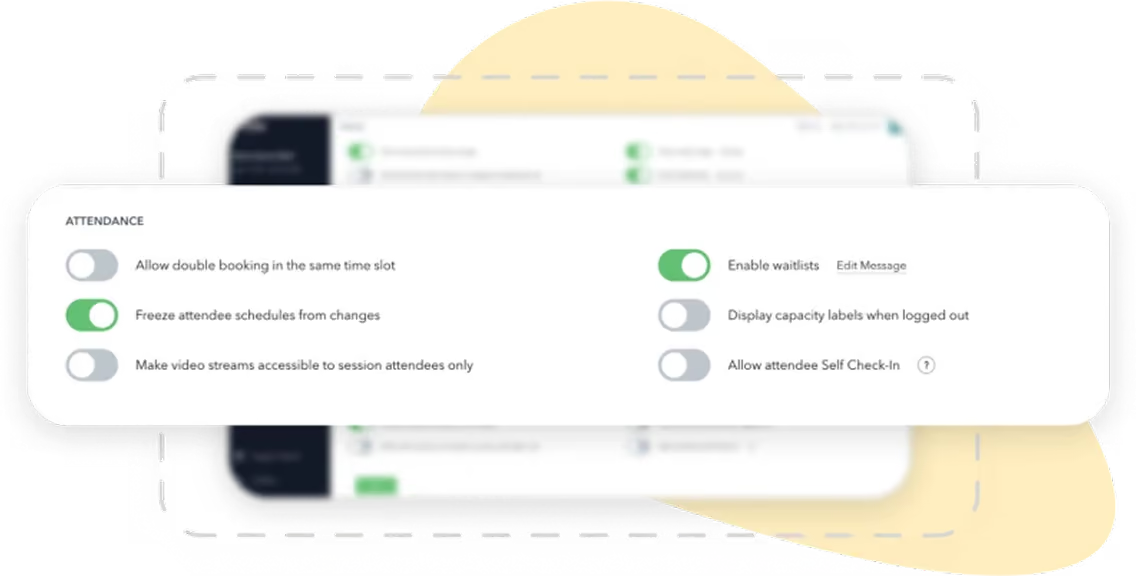

Schedule changes appear automatically
Personal agendas stay up to date
Speakers, sponsors, and sessions stay connected
No republishing or duplicate updates
Everything attendees need in one app
Every feature works from the same live event data, giving attendees one place to plan, navigate, and stay informed.


Live event schedule
Browse the latest schedule with search, filters, and real-time updates throughout your event.


Personal agendas
Attendees can save sessions and build a personalized agenda that updates automatically as plans change.


Speaker profiles
View speaker bios, session information, and presentation details from anywhere.


Maps and venue information
Help attendees find rooms, exhibitors, parking, and key locations without asking for directions.


Push notifications
Send important announcements, schedule changes, and reminders directly to attendees’ phones.

Sponsors and exhibitors
Give sponsors greater visibility with dedicated profiles, listings, and exhibitor information.
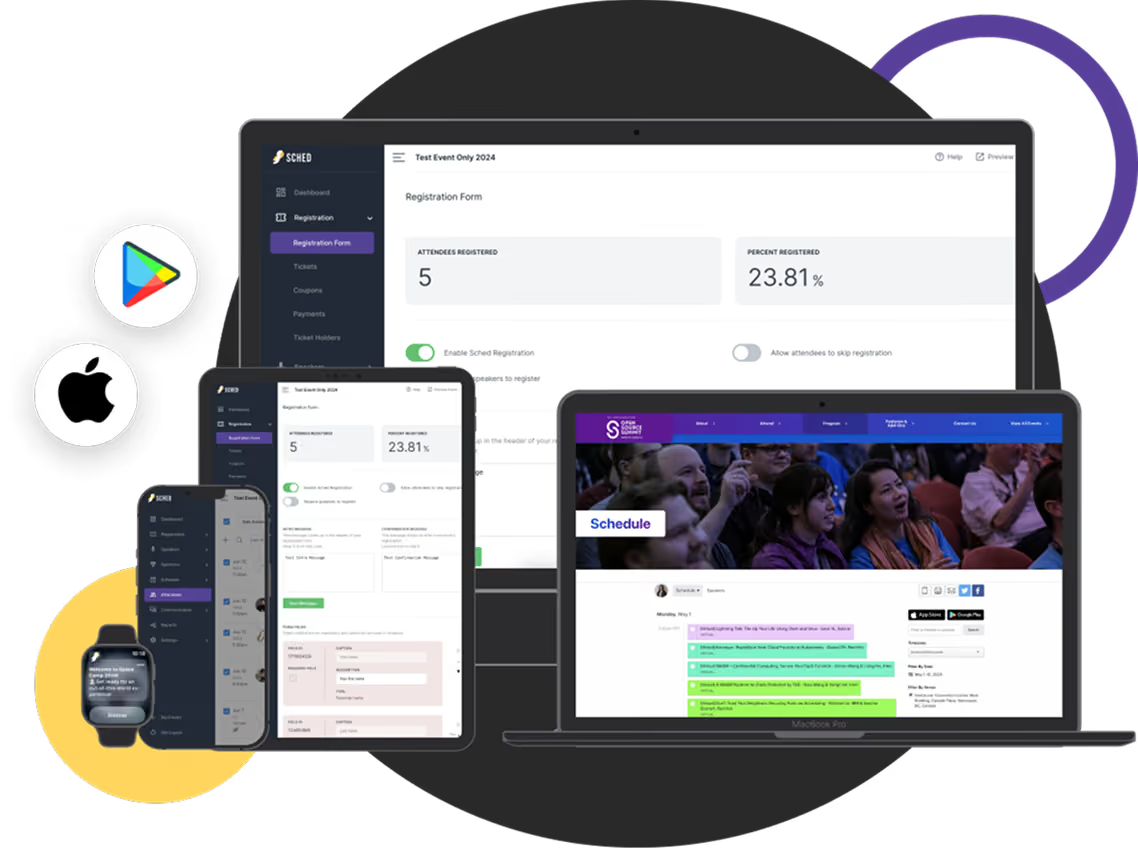
Launch your event app in a day. Not months.
There’s no separate mobile app project to manage.
Create your event in Sched
Publish your website and schedule
Your mobile app is automatically generated
Invite attendees to download the app
Update your event once as plans change
Every update appears across web and mobile automatically.
Built for real events
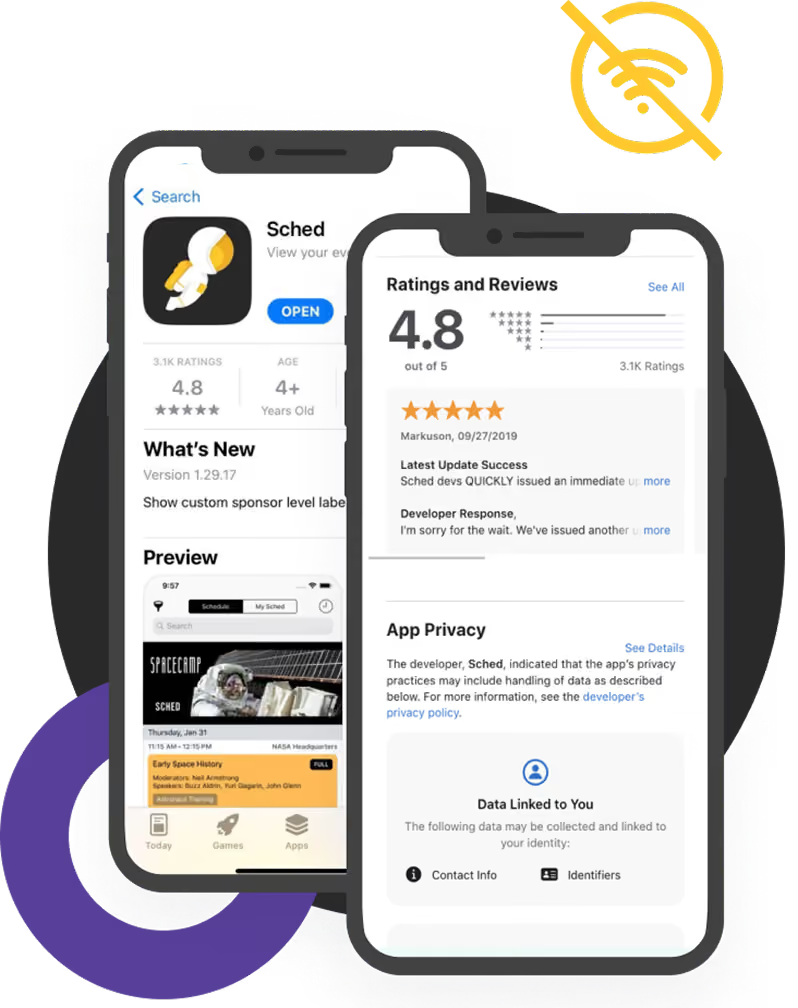
Events don’t stop when the Wi-Fi gets busy. Sched helps attendees stay productive throughout your event.
Offline access to schedules
Fast search across sessions and speakers
Session reminders and notifications
Personal agenda available anywhere
Optimized for iOS and Android
Your event. Your brand.
Deliver a mobile experience that feels like your organization, not generic event software.

Event logo and branding

Custom colors and imagery

Branded event experience

Consistent experience with your event website

Professional attendee experience from registration through event day
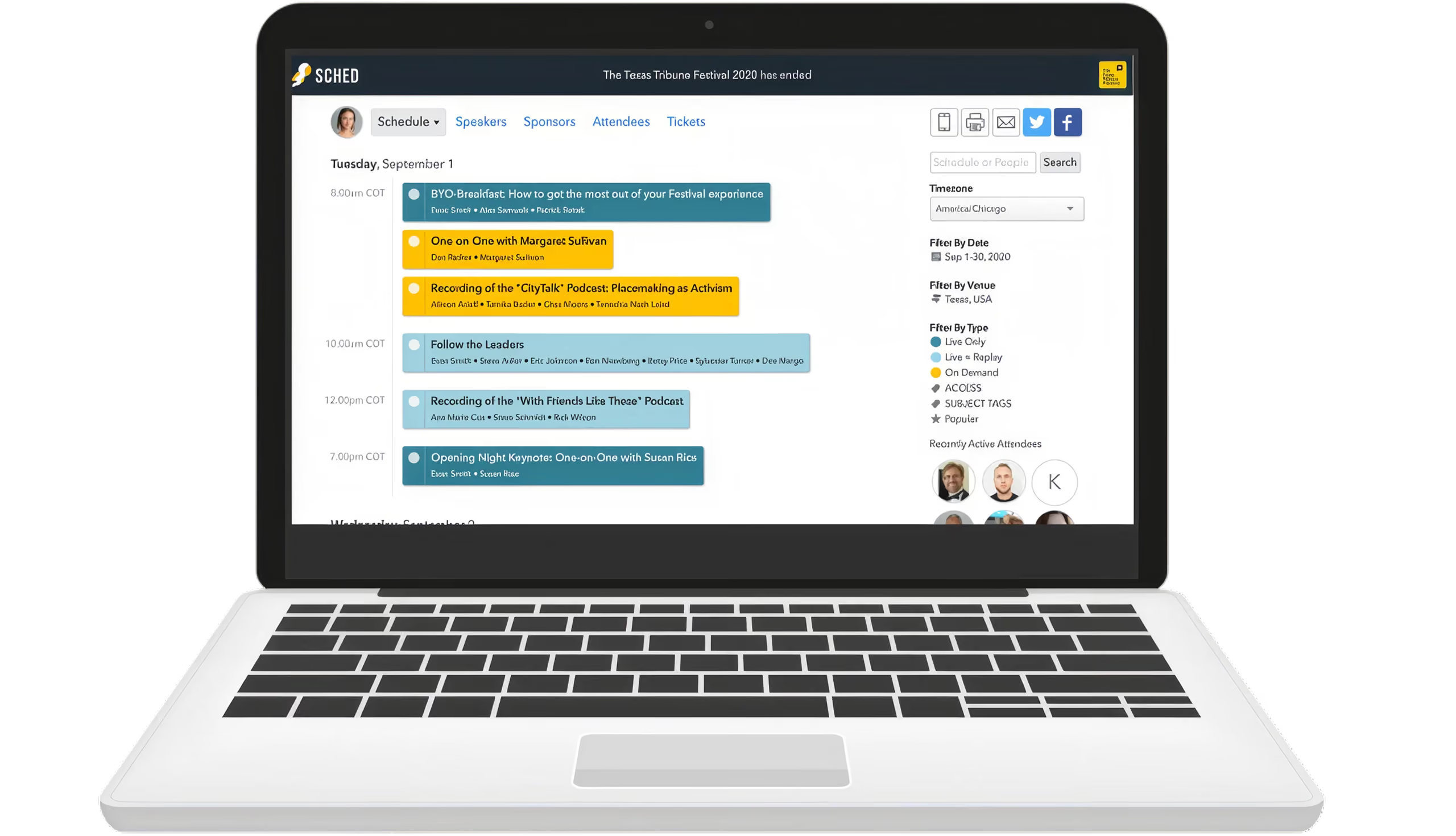
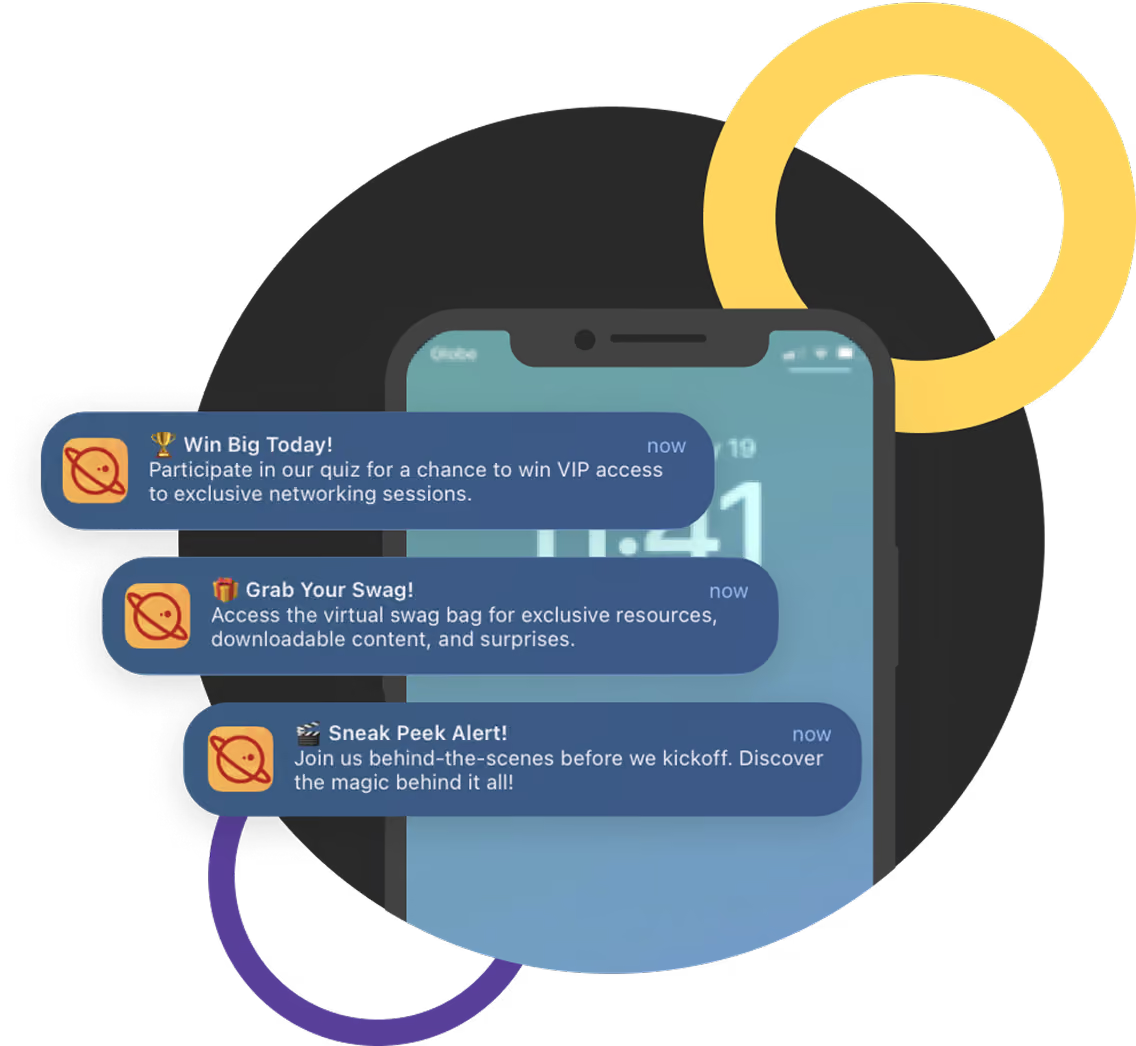
Keep attendees informed
Keep attendees informed with event announcements sent through the Sched mobile app. Communicate from the same platform you use to manage your event, without switching between additional tools.

Event-wide announcements
Schedule update notifications
Session reminders
Venue and logistics updates
Emergency communications
Trusted by organizations running professional events
Real stories and measurable results from the organizations that rely on our platform.


The app looks fabulous and presents every session, time, and piece of event information in one practical overview.

Put your entire event in every attendee’s pocket
Your attendees shouldn’t have to search across emails, websites, PDFs, and printed agendas to find what they need. Sched gives them one mobile experience connected to the same live event your team manages behind the scenes, helping attendees stay informed while your team spends less time answering questions and managing last-minute changes.
See how Sched could support your next event. No obligation. Just a chance to explore whether it’s the right fit for your organization.

Questions
Everything you need to know about Sched pricing and plans.
Yes, the app is fully compatible with both iOS and Android devices, ensuring easy access for all attendees.
The app automatically saves data to your device, allowing you to view schedules and event details without an internet connection. Everything syncs seamlessly once you’re back online.
You can send notifications for schedule changes, important announcements, or personalized messages to specific attendee groups.
Enjoy unlimited events and unlimited free participants for smaller gatherings all year round. For more information on pricing, please see here.